

How do I post a job?
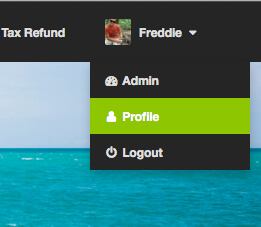
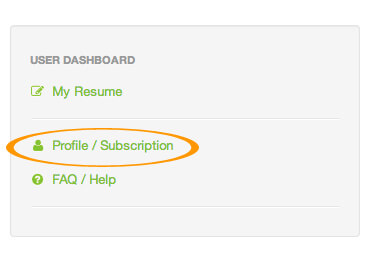
To post a job click “Post a Job” on the employer dashboard which is located in the right hand sidebar within the job board. ( Refer to Picture 1& 2)
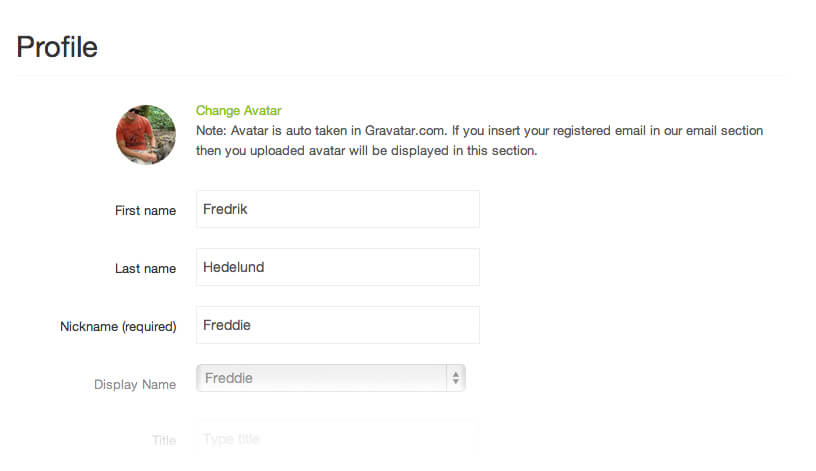
You will then be taken to the “ Create an Ad” page where you can enter the details of your vacancy ( Refer to Picture 3).
Once you have filled in all required information click preview to view your position. ( Refer to Picture 4)
If you’re happy with the preview, click publish listing to make get your job live on site. ( Refer to Picture 5)
Your listing will now be listed live on site. ( Refer to Picture 6 & 7)
Back To Top